NightStand
A downloadable tool for Windows
NIGHTSTAND — Beta pública
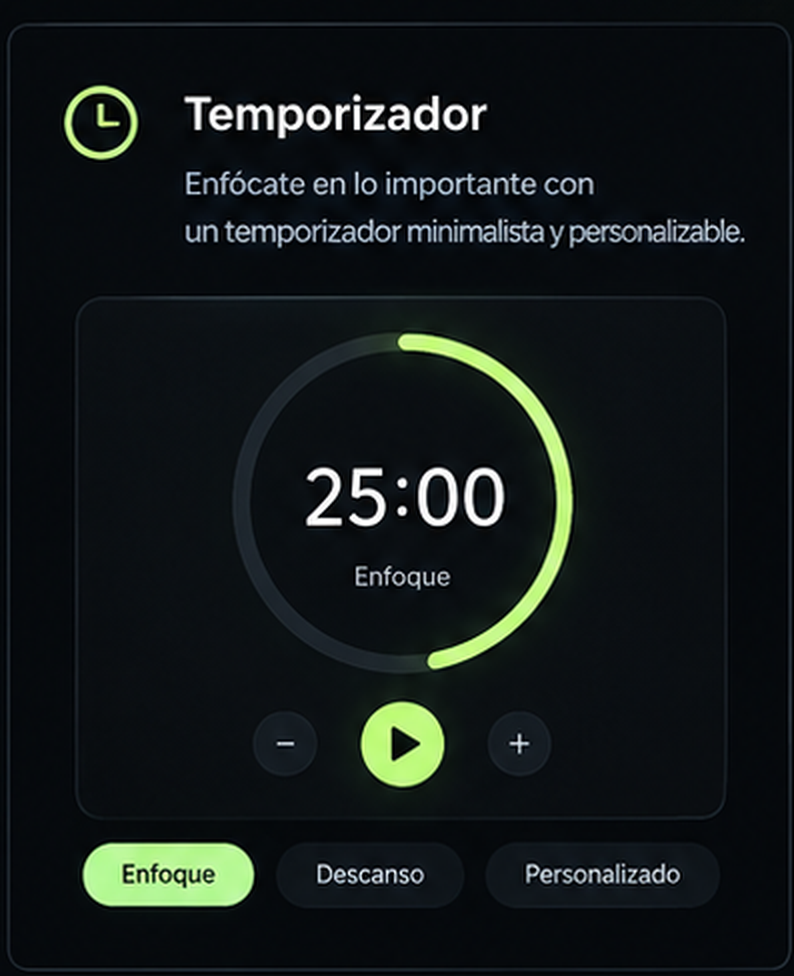
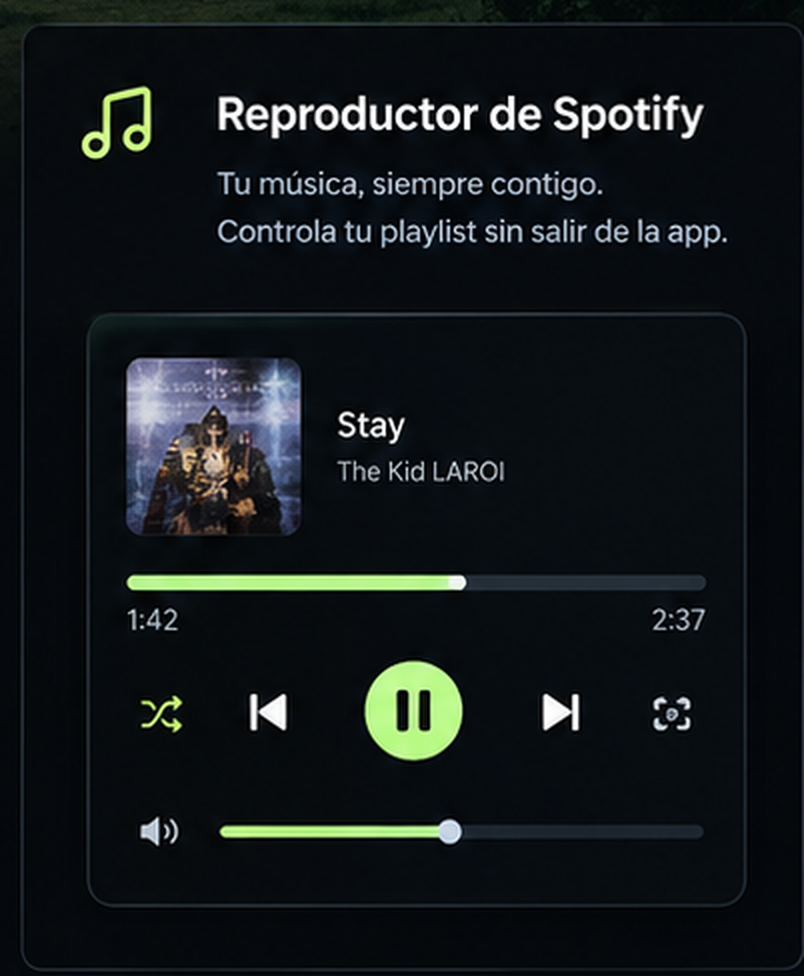
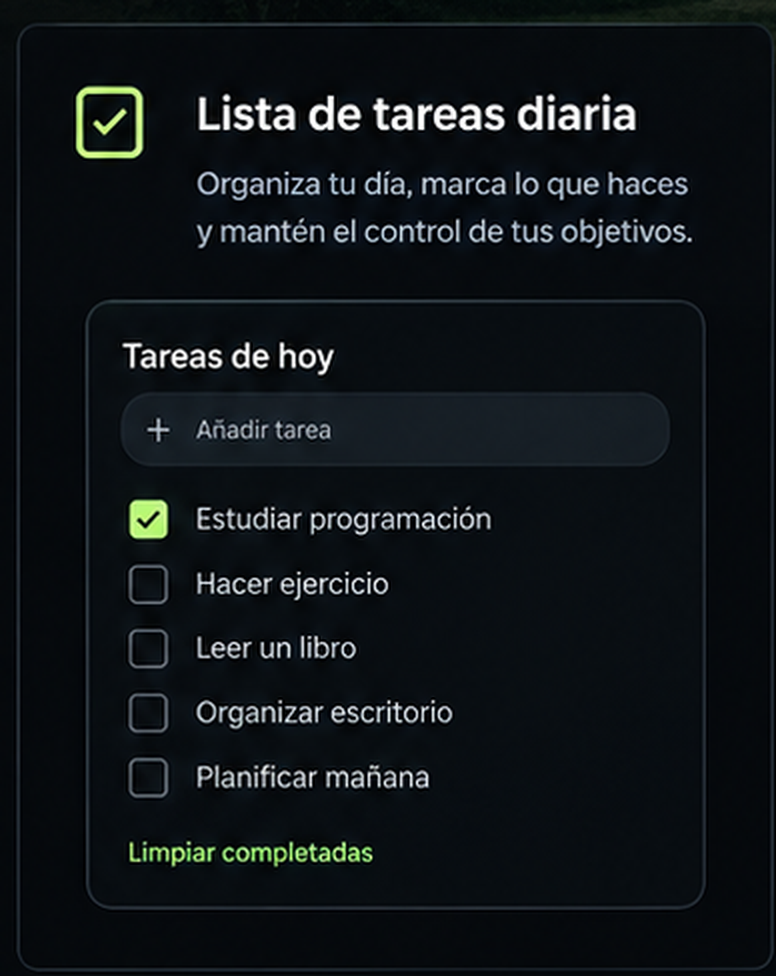
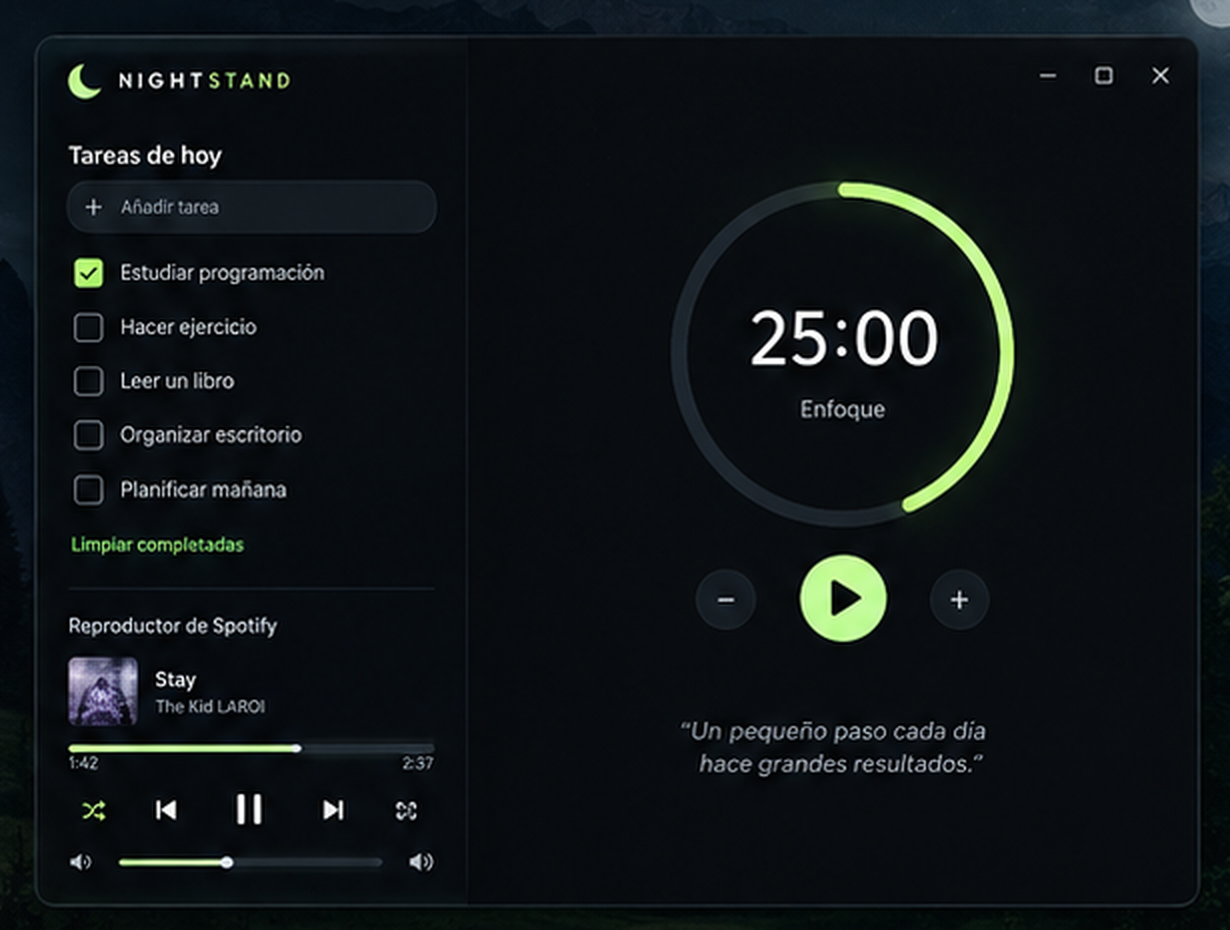
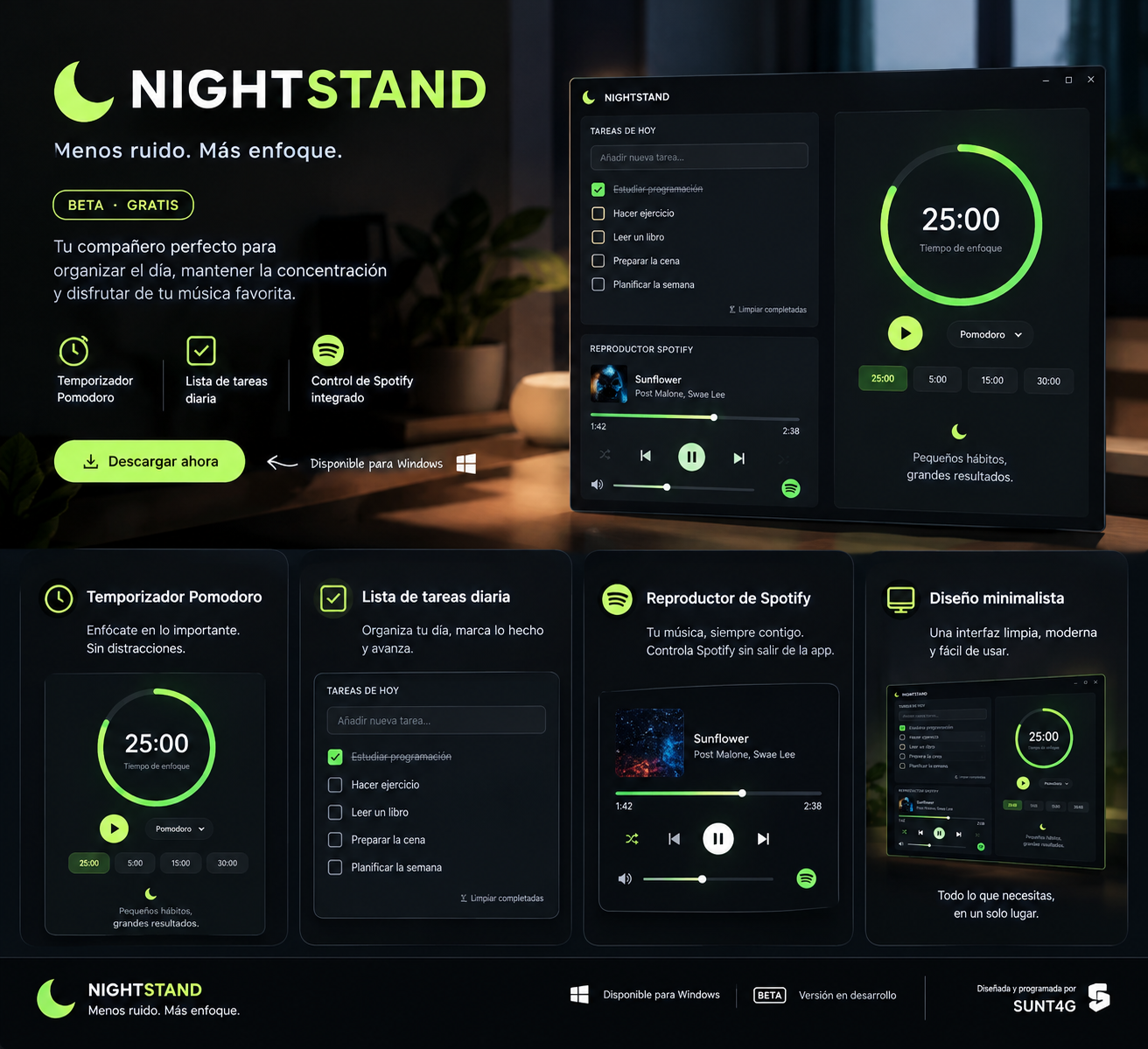
Una forma más sencilla de organizar tu día y concentrarte, con un temporizador minimalista, listas de tareas diarias y controles de Spotify. NIGHTSTAND todavía está en desarrollo y puedes probarlo gratis durante la beta. Tus opiniones me ayudarán a mejorar el proyecto de cara al lanzamiento de la versión estable.
Note for Windows users: Since Nightstand is a free, unsigned indie application, Windows SmartScreen may show a "Windows protected your PC" popup on first launch. Click "More info" and then "Run anyway" to start the app safely.
How to get started — NIGHTSTAND Beta
- Download and Launch:
Download the Windows version, extract the ZIP file, and openNightstand.exe(or runnightstand_spotify.pyvia Python). No installation is required if you download the packaged executable. - Customize Your Workspace (Themes & Color Palettes):
Click the theme button in the top-left corner of the sidebar to switch between the Beta Theme (Concept) inspired by our official poster, Mint Green, Soft Lavender, Peach Cream, and Sky Blue. Every interface element, border, and control will adapt automatically in real time. - Start Using NIGHTSTAND & Auto-Dimming:
The daily checklist and focus timer are ready as soon as the app opens. Add your tasks, check them off as you complete them, and customize the countdown duration to fit your routine.
Tip: If the app remains idle for 3 minutes, it automatically activates Screensaver Mode (Auto-Dimming) to prevent screen burn-in and maintain a peaceful nightstand ambient glow. Moving your mouse or pressing any key instantly restores full brightness. - Connect Spotify or YouTube Music (Optional):
You can play music via YouTube Music right out of the box using Windows Media Sessions (simply openmusic.youtube.comin your browser). For Spotify, open the in-app Spotify settings, create an application at the Spotify Developer Dashboard, register the redirect URI[http://127.0.0.1:8888/callback](http://127.0.0.1:8888/callback), and enter your Client ID and Client Secret. Click Save and Connect, then authorize the app in your browser. Spotify playback controls require a Premium account and an active Spotify playback device. During the beta, Spotify Developer Mode restrictions may apply, so additional developer configuration may be necessary.
NIGHTSTAND is currently in active development, and your feedback is greatly appreciated!
Designed and programmed by SUNT4G.
Download
Click download now to get access to the following files:
Development log
Leave a comment
Log in with itch.io to leave a comment.